AI makeup for photos you already took

Glam the photo you already took.

Out with friends in a casual look? Pick the photo, choose how much, and GlamMax adds realistic makeup, from barely there to bold. You still look like you: same face, same freckles, same skin tone.

Coming soon to iPhoneSee how it works

No account needed to try it.
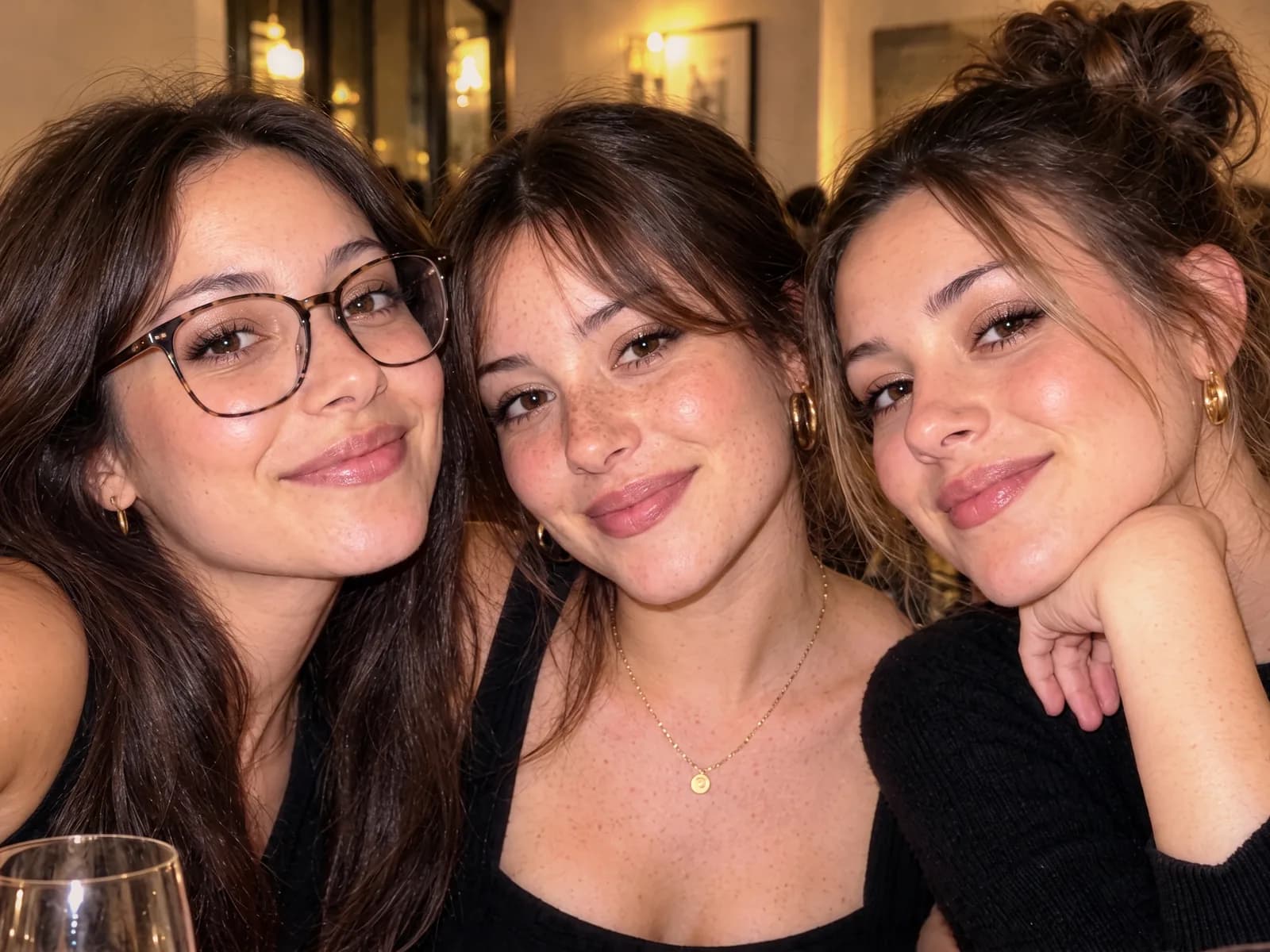
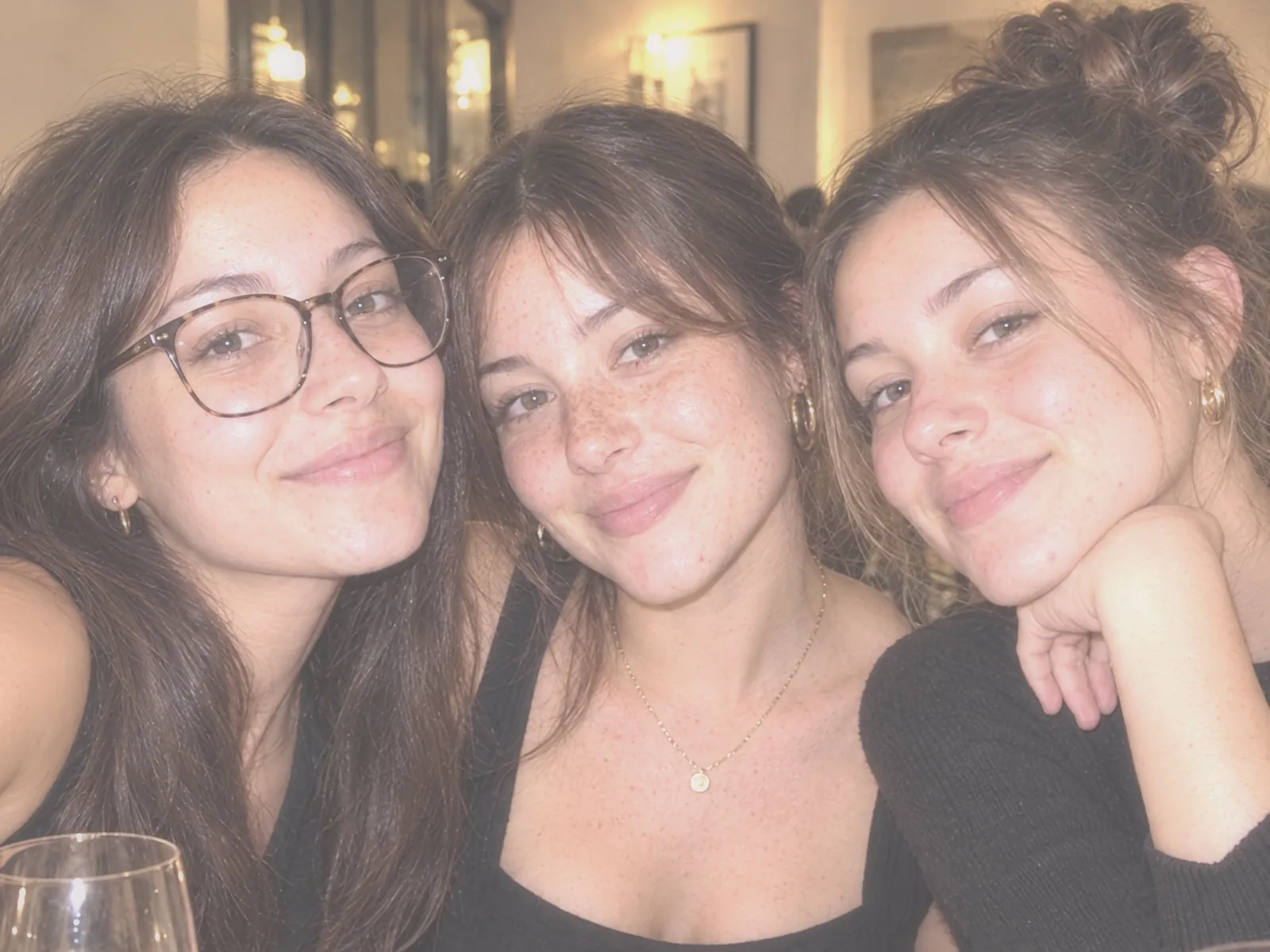
Three friends in a restaurant, Evening
Three friends in a restaurant, As taken
As takenEvening

Drag to compare. Same photo, same faces: only the makeup and the lighting change.

Pick your look

Four looks, from barely there to bold.

Every look is the same photo with makeup added. Faces, freckles, skin tone and expressions stay exactly as they were. Ready to share instantly on your social media. It’s time to glam it up!

Luminous skin, a soft smoky eye and a flattering lip.

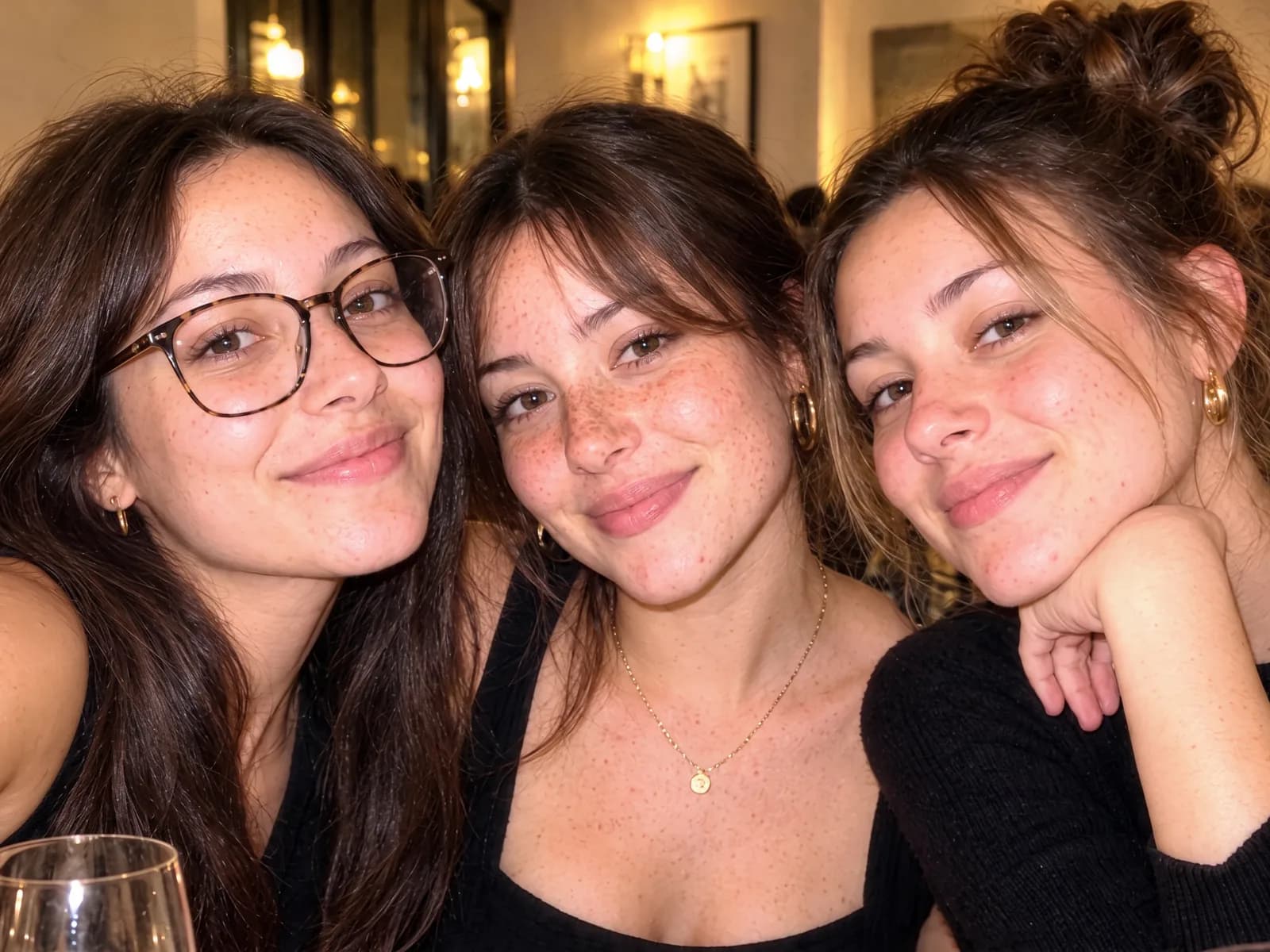
Three friends in a restaurant, Evening
Three friends in a restaurant, No makeup
No makeupEvening

Sample photo. The people shown are AI-generated, not real customers.

Fix lighting

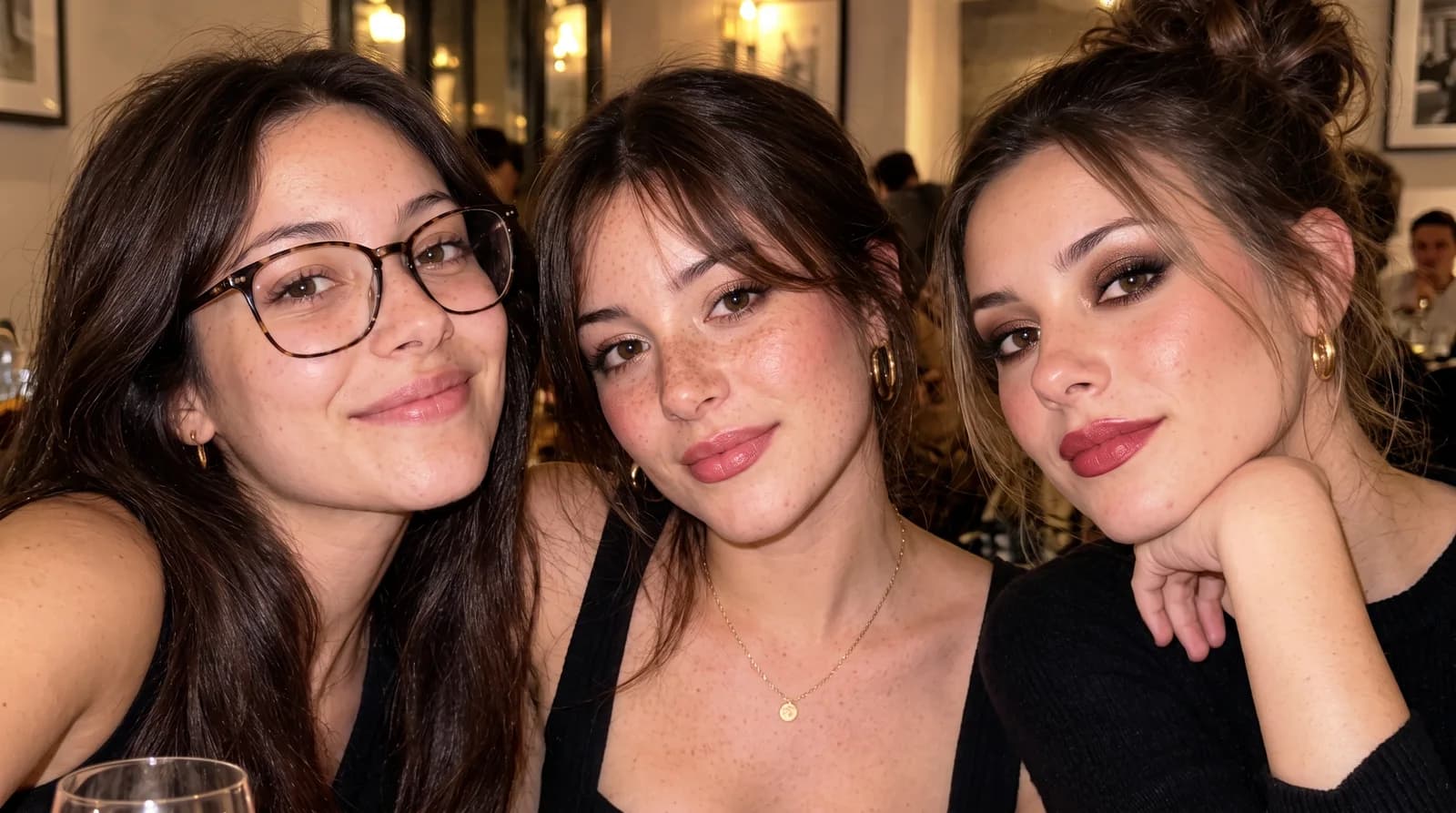
Washed out by the flash? Fixed.

Turn on Fix lighting and GlamMax corrects exposure and color, with or without makeup.

Three friends in a restaurant, Fix lighting
Three friends in a restaurant, As taken
As takenFix lighting
One photo, three looks: Barely on the friend on the left, Evening in the middle, Bold on the right

Custom, for each friend

Everyone gets her own look.

In a group photo, give each person her own look, lipstick and even a new hair color or cut. A light touch-up, or no edit at all, for anyone who wants to stay as they are.

Custom, hair color and cut

Try a new color or cut.

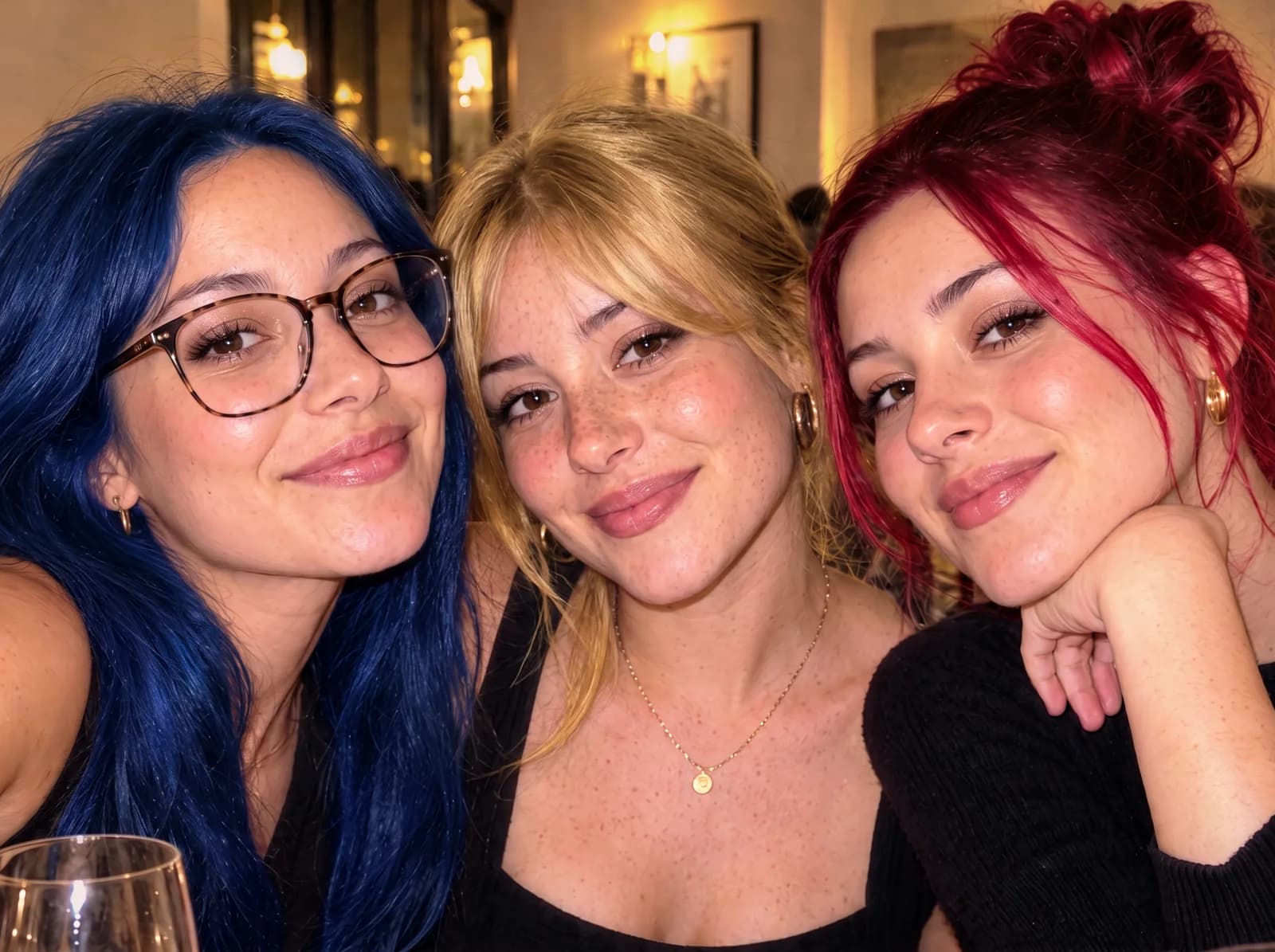
Pick hair colors and styles and see how you look before you get your next haircut! In Custom, tap anyone in the photo and choose from eleven colors, honey blonde to electric blue, and five cuts, from a bob to beach waves. Her makeup stays exactly as glammed. New hair is part of GlamMax Pro+.

Three friends in one photo with Evening makeup and new hair colors: electric blue, golden blonde and cherry red

How it works

Three taps from photo to glam.

1 Pick a photo

Any photo you already took, solo or with friends.

2 Choose a look

Barely, Day, Evening or Bold, a different look for each friend if you like, plus Fix lighting, lipstick and a new hair color or cut.

3 Save and share

To your camera roll, Messages, Instagram or TikTok.

Made for real photos

Glam that still looks like you.

True to your face

GlamMax changes the makeup, and your hair only when you ask. Your face, features and skin tone stay yours.

Friends first

In a group photo you choose who gets glammed, and GlamMax reminds you to check with your friends.

Try it free

Your first week: four AI glams and ten phone retouches, with no account and no sign-up.

Smooth to taste

After any glam, one slider smooths skin as much or as little as you like. Eyes and lips stay sharp.

Privacy

Your photo, your call.

A photo stays on your phone until you choose to glam it.

Points

Earn points every time you glam.

Save a photo, share your first glam of the day or add the GlamMax mark, and watch your level climb.

95
points · Level 2
Save a photo+5
First share of the day+10
Add the GlamMax mark+5

Plans

Start free. Keep glamming with a year.

Free

Your first week

  • 10 photos
  • Every look, Barely to Bold
  • No account needed

GlamMax Year

$29.95 a year after a free week

  • As many photos as you want
  • Group photos and tweaks
  • Cancel anytime in your Apple settings

Go casual. Glam later.

Coming soon to iPhone